
|
EMULATORS
CoolCV
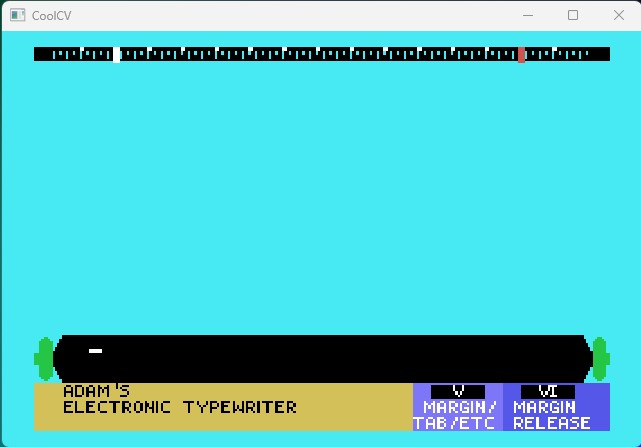
CoolCV is a highly accurate ColecoVision and ADAM emulator featuring excellent compatibility, save states, and smooth performance. Supports both disk images (DSK) and tape images (DDP) with authentic keyboard and controller emulation. Actively maintained with regular updates.
Key Features
ADAMEm
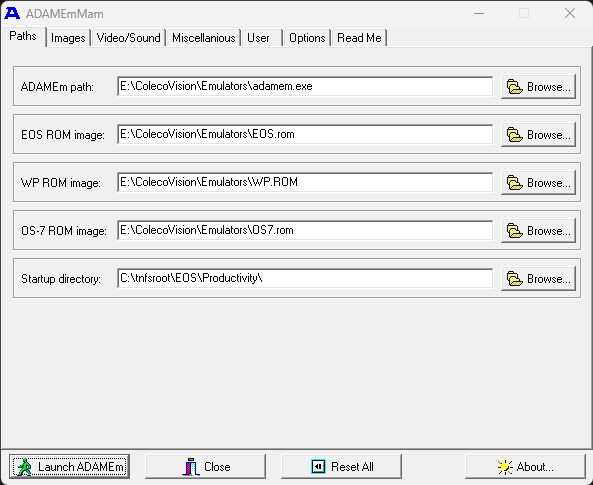
ADAMEm is one of the original ADAM emulators created by Marcel de Kogel. A pioneering emulator that offers solid compatibility with ADAM software and includes support for both SmartBASIC and CP/M operating systems. A classic choice for ADAM enthusiasts.
Key Features
Virtual ADAM
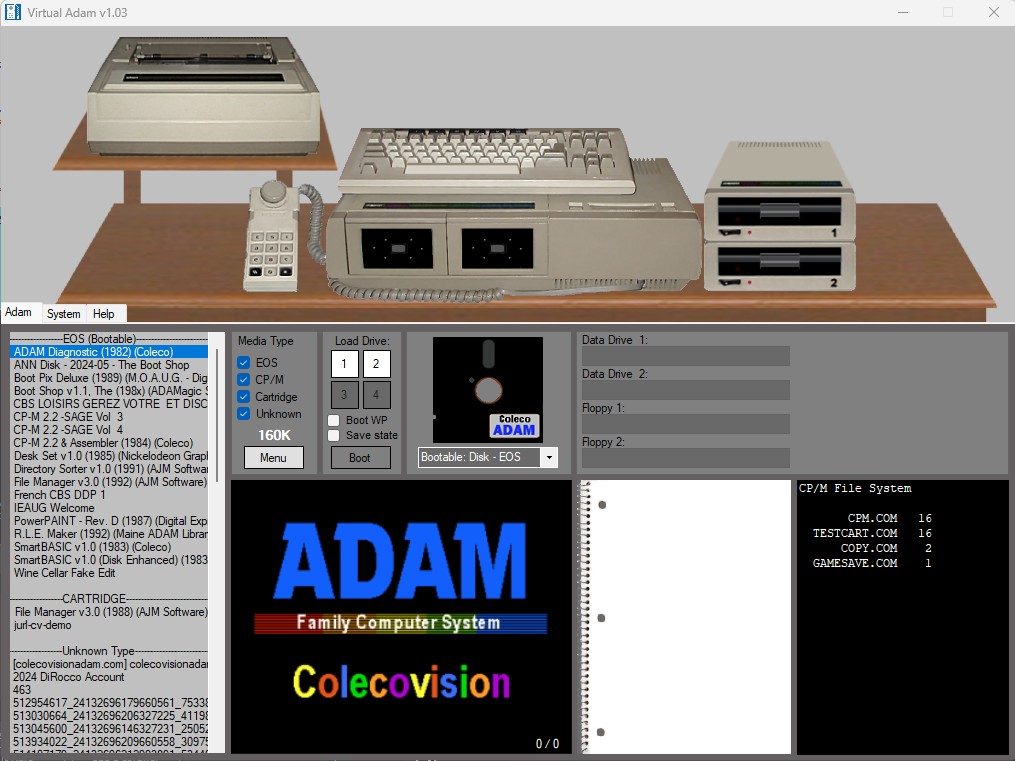
Virtual ADAM (VADAM) is a Windows-based emulator with a user-friendly interface. Features include real-time disk and tape access, printer support, and an integrated debugger for developers. Great for users who want a straightforward Windows experience.
Key Features
ColEm
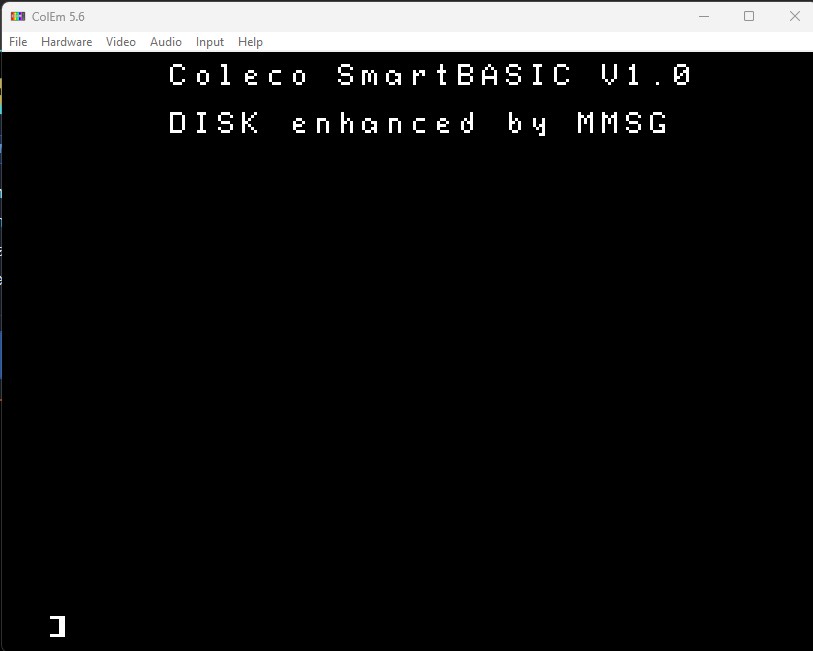
ColEm by Marat Fayzullin supports both ColecoVision and ADAM modes. Available on many platforms including Android devices. Features network play, save states, cheats support, SuperAction controller support, and spinner emulation via mouse.
Key Features
MAME

MAME (formerly MESS) includes comprehensive ADAM emulation as part of its multi-system support. Offers highly accurate, preservation-quality hardware emulation with extensive configuration options. The gold standard for accuracy and documentation.
Key Features
BlueMSX
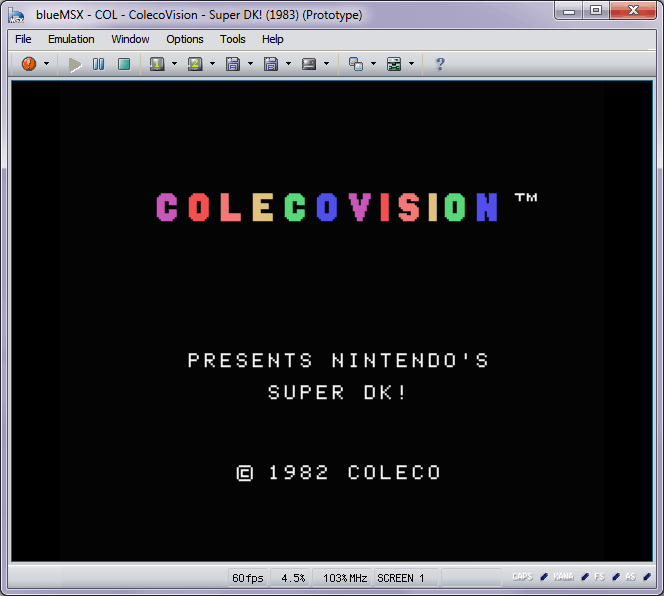
BlueMSX is a cycle-accurate emulator that supports MSX, SVI, ColecoVision, and Sega SG-1000. Features a powerful debugger, multiple monitor simulation modes, and comprehensive sound chip emulation. Also available as a RetroArch/Libretro core.
Key Features
GearColeco
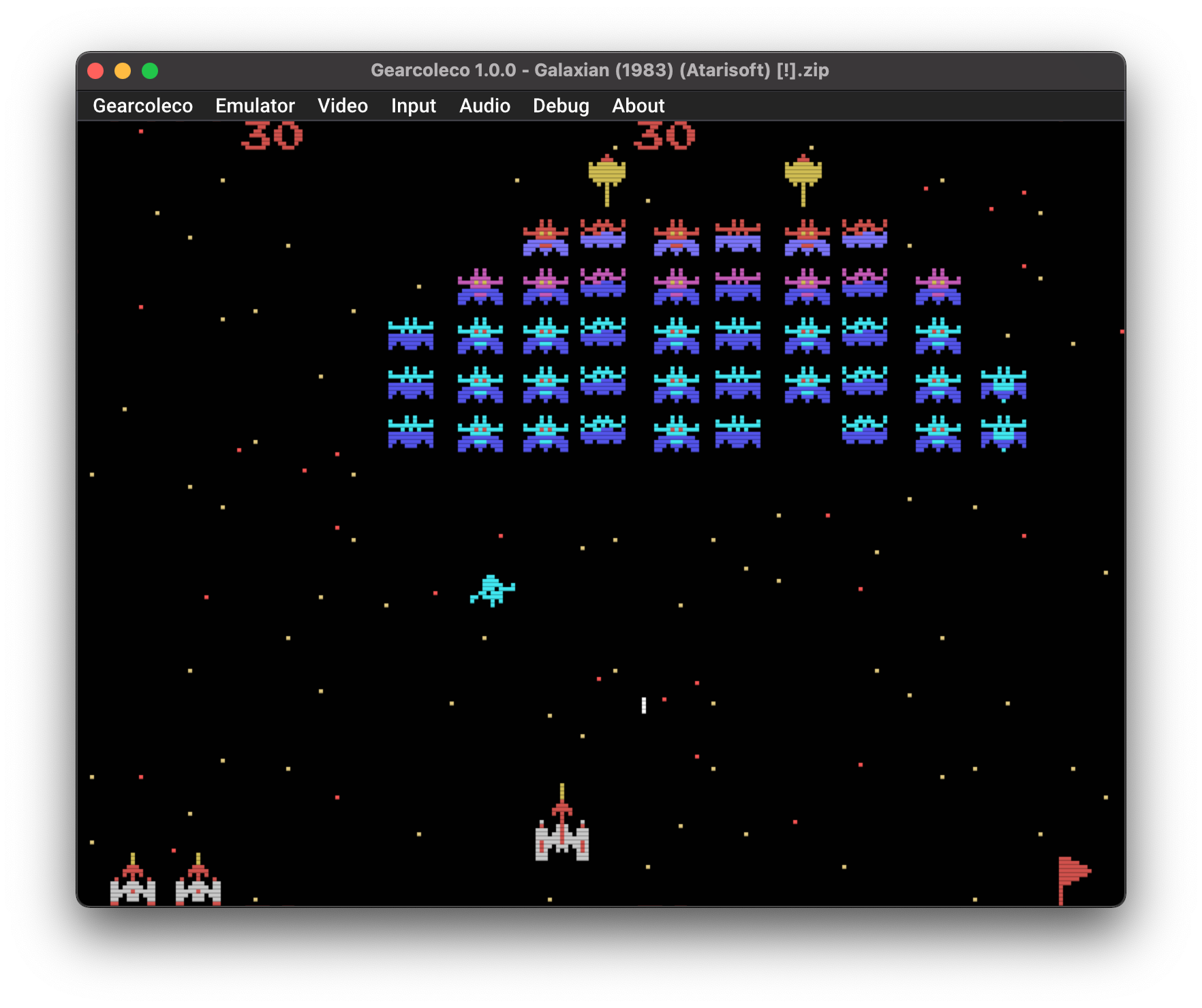
GearColeco is a modern, highly accurate ColecoVision emulator focused on clean code and accuracy. Features Super Game Module support, save states, and is available as both a standalone emulator and a RetroArch/Libretro core. Open source and actively maintained.
Key Features
openMSX
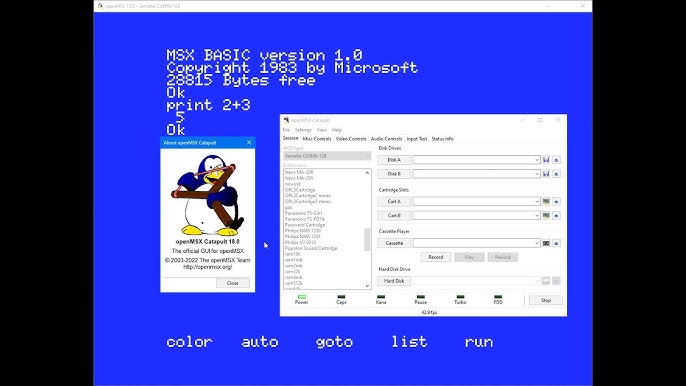
openMSX is a highly accurate MSX emulator that also supports ColecoVision emulation. Known for its accuracy and extensive debugging features. Features a powerful scripting system, console interface, and comprehensive hardware emulation.
Key Features
ADAM+
ADAM+ is a brand-new open-source emulator and development toolkit for the ColecoVision and Coleco ADAM systems, built with Qt6. Completely redesigned from the ground up with a focus on stability, performance, and expandability. Features an integrated debugging suite and USB joystick support. Actively developed in 2024/2025.
Key Features
Getting Started with Emulators
To start using ColecoVision and ADAM emulators, you'll need a few essential items. Most emulators include documentation to help you get started.
Additional Resources

|
| CONTACT EMAIL |


|
| ©2014-2026 DiRoccoVision |